
A 3CAD extension · Meta Quest 3 · Samsung Galaxy XR
Your 3CAD project comes to life in XR.
Export the project you designed in the 3CAD configurator and see it at real scale on Meta Quest 3 or Samsung Galaxy XR.
- Meta Quest 3 and Samsung Galaxy XR
- Automatic model optimisation
- No manual conversion to manage


What 3CAD Showroom is
An extension of 3CAD, not a separate platform.
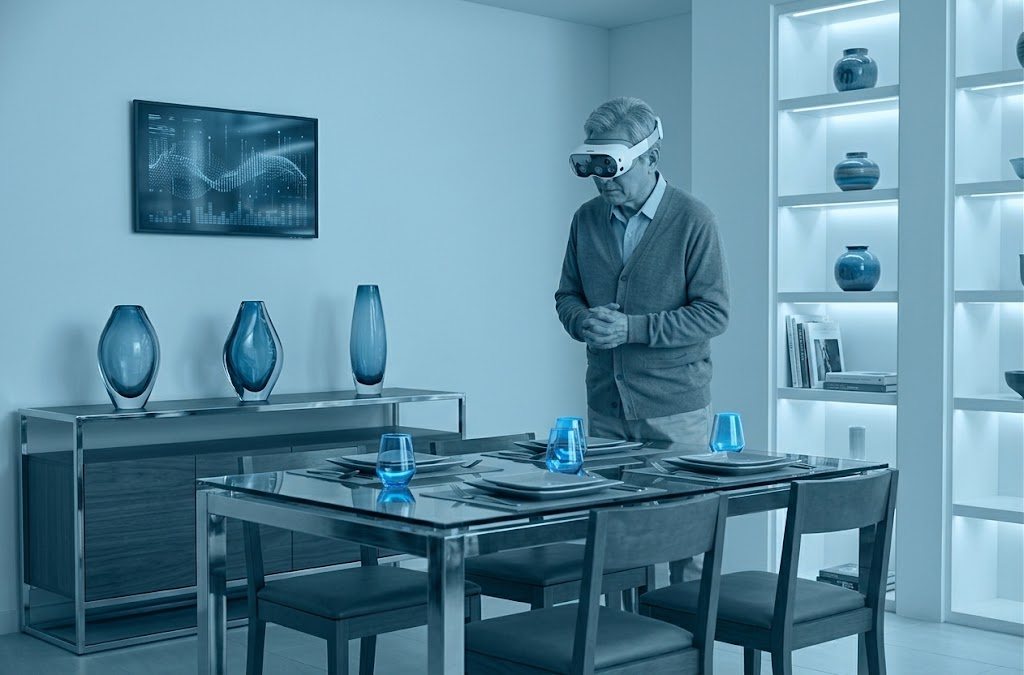
The project starts in the 3CAD configurator you already use: measurements, finishes and composition stay exactly as chosen at design time. From there you export it to 3CAD Showroom with a single click on a button already built into 3CAD.
The model is exported, converted and optimised automatically, in seconds. The scene is ready to be seen on the web and in a headset, at full size, so the customer is immersed in their future furniture and the sale closes sooner.
- 01
Configure
The project is created and refined in the 3CAD configurator you already use.
- 02
Export
You export it to 3CAD Showroom: automatic optimisation prepares the model in seconds.
- 03
View
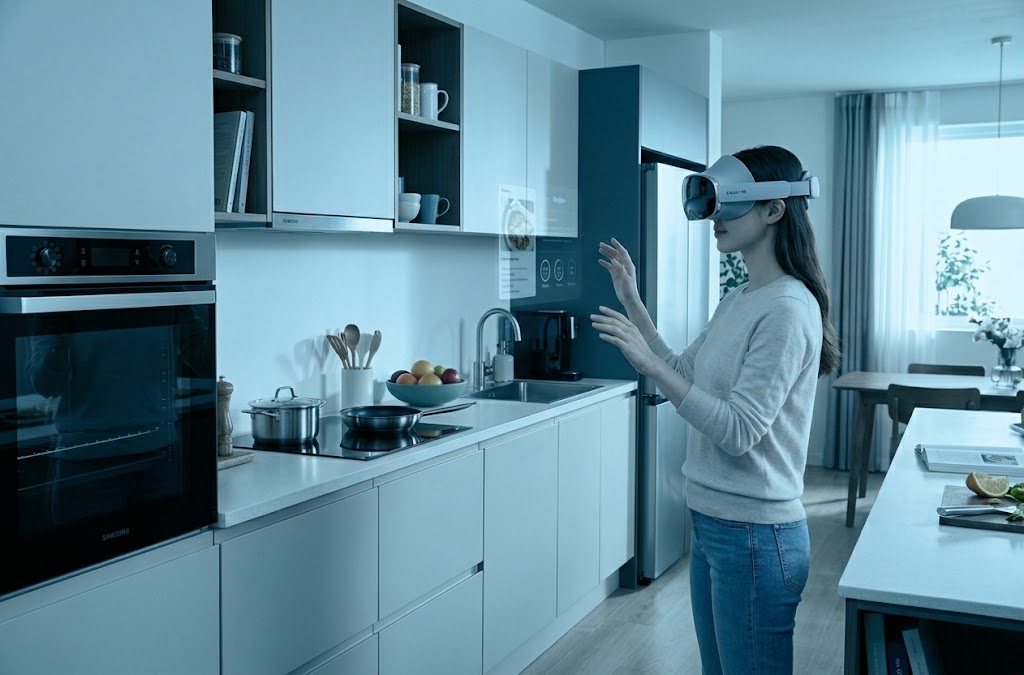
Open the scene on the web, on Meta Quest 3 or on Samsung Galaxy XR and walk through the project at real size.
What it does
From project to headset, with no manual steps.
Four steps cover the whole journey: export, automatic optimisation and real-scale viewing.
Export from the configurator
The project designed in 3CAD is exported as it is, with no manual rebuilding.
Automatic optimisation
Meshes, textures and materials are prepared on export, automatically and in seconds.
Real-scale viewing
The scene opens in a headset: you walk inside the 3D project as if it were already built.
Five ways to share
Free navigation, looping animation, cinematic render, product page or an embed for your own site.
Why 3CAD Showroom
The simplest way to present a project before it is built.
It is not new software to learn, it is the step that lets the customer truly understand the project you are proposing.
- No manual rebuilding of the model: the export from 3CAD is optimised in real time.
- Works on Meta Quest 3, on Samsung Galaxy XR and on the web.
- The customer sees the project at real scale, not a render on a flat screen.
Why use it
Close more deals, with less hesitation.
- A virtually infinite catalogue
- A physical showroom has room for a handful of variants. In XR every finish in the catalogue exported from 3CAD can be shown, with no samples to produce.
- Fewer "let me think about it" moments
- Someone who experiences the project at real scale stops imagining and starts deciding: the choice matures while they are still in the showroom, not at home two weeks later.
- Fewer surprises, fewer returns
- The customer has already seen the space and checked the proportions before signing. Surprises on delivery day drop, and so do returns and complaints.
- A sales argument, not just technology
- While others show a paper catalogue or a flat render, your customer walks through their project. That is a difference people remember.
Devices
Two headsets, the same scene.
The project exported from 3CAD opens the same way on Meta Quest 3 and on Samsung Galaxy XR.
Meta Quest 3
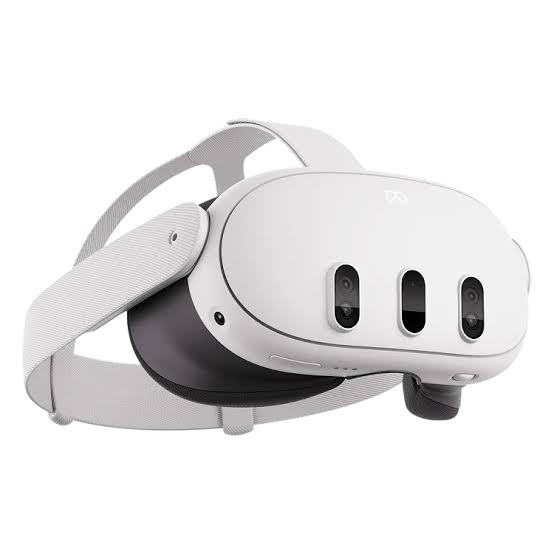
The headset with the best value for money. Virtual Reality to immerse yourself completely in the environment, and Mixed Reality with colour passthrough to place the 3CAD project, at real scale, in the space you are standing in.
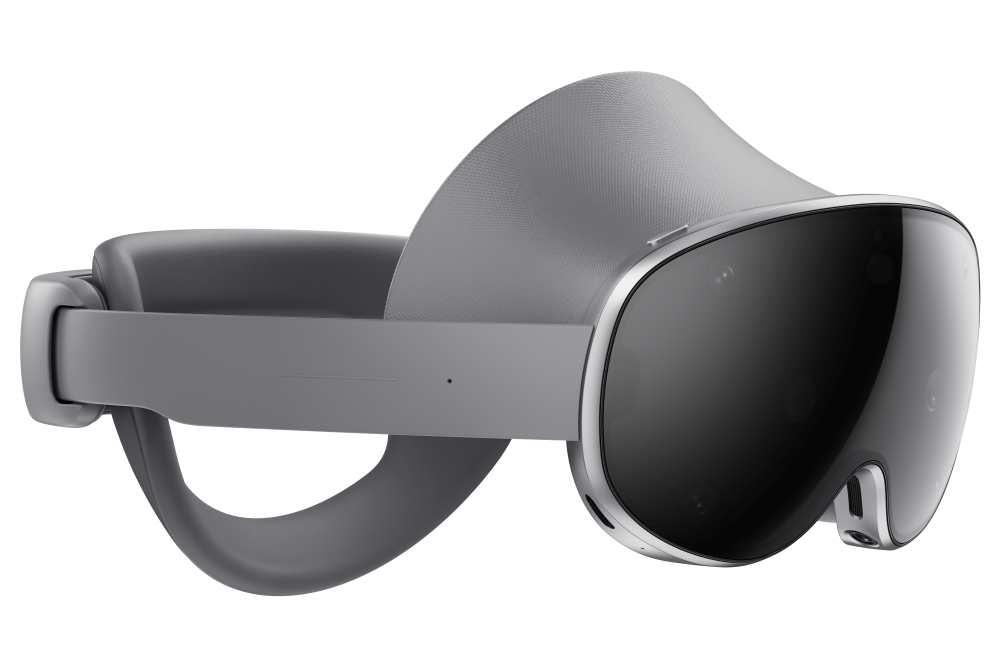
Samsung Galaxy XR
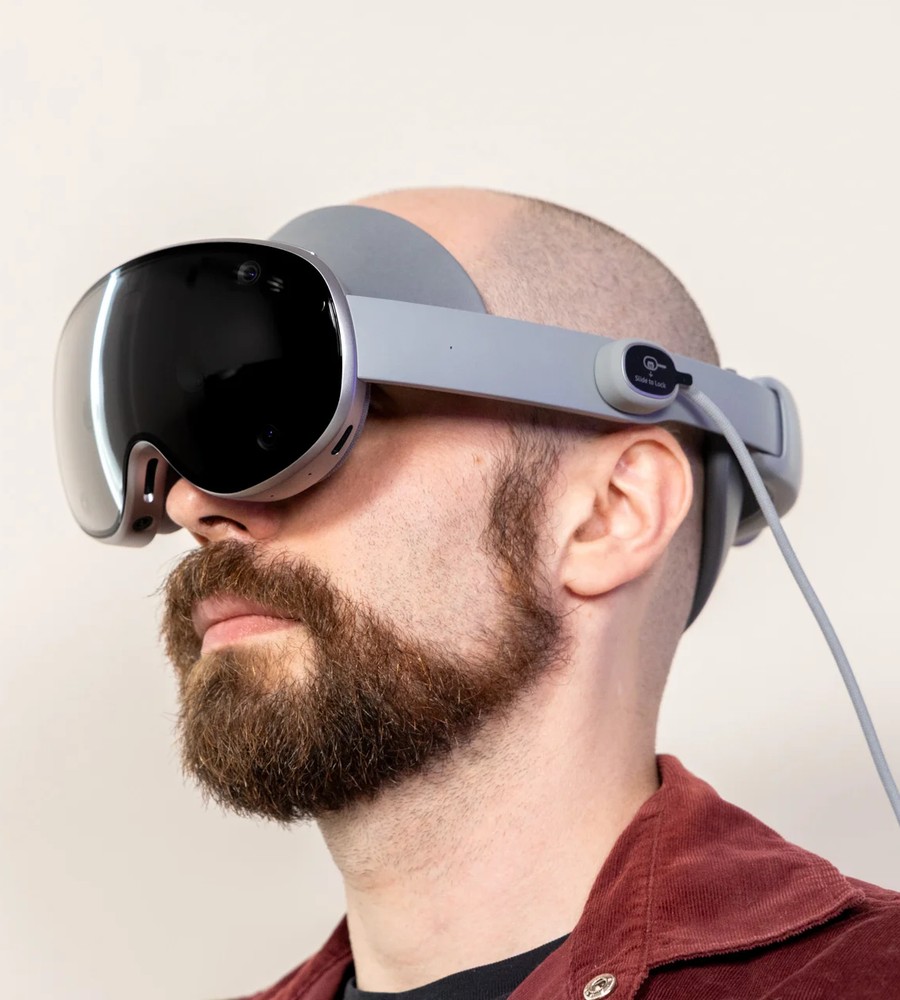
An Android XR headset with higher quality and performance. Virtual Reality to step inside the 3D project, and Mixed Reality with colour passthrough to overlay the virtual composition on the real room.
Why 3CAD Showroom
What makes it different.
An extension, not a separate project
It connects to the 3CAD configurator you already use: there is no new design tool to learn.
Automatic optimisation on export
No manual retopology, no format conversion: the technical work happens behind the scenes.
No headset lock-in
The same scene runs on both Meta Quest 3 and Samsung Galaxy XR.
Get it on Meta Quest.
3CAD Showroom is available on the Meta Horizon Store: export the 3D environment from 3CAD, open it on the headset and show your first project in seconds.
Videos
Watch it in action.
Overviews and demonstrations from our channel.
- Videos load only when you press play. Until then nothing is requested from YouTube.
- Videos load only when you press play. Until then nothing is requested from YouTube.
THEAPPEXPO
- Videos load only when you press play. Until then nothing is requested from YouTube.
THEAPPXR - ZOOM MODE
News
From the blog.
Short articles on bringing a 3CAD project into XR.
2026-07-22 · 3 min read
Dal configuratore 3CAD al visore, in tre passaggi
Un mobile progettato nel configuratore 3CAD, visto a scala reale su Meta Quest 3 o Samsung Galaxy XR. Ecco come funziona.
Read2026-06-30 · 3 min read
Cinque modi per condividere una scena 3D, e nessuno richiede un account
Un modello 3D serve solo quando qualcun altro riesce a vederlo. È un problema di distribuzione, non di modellazione.
Read2026-05-19 · 3 min read
Meta Quest 3 o Samsung Galaxy XR: la stessa scena, due visori
3CAD Showroom non obbliga a scegliere un solo hardware. La stessa scena esportata da 3CAD si apre su entrambi i visori.
Read
Let's begin
Want to see your project in XR?
Tell us about your design and sales goals. We will show you how 3CAD Showroom can help.